
Your notes, on your own server.
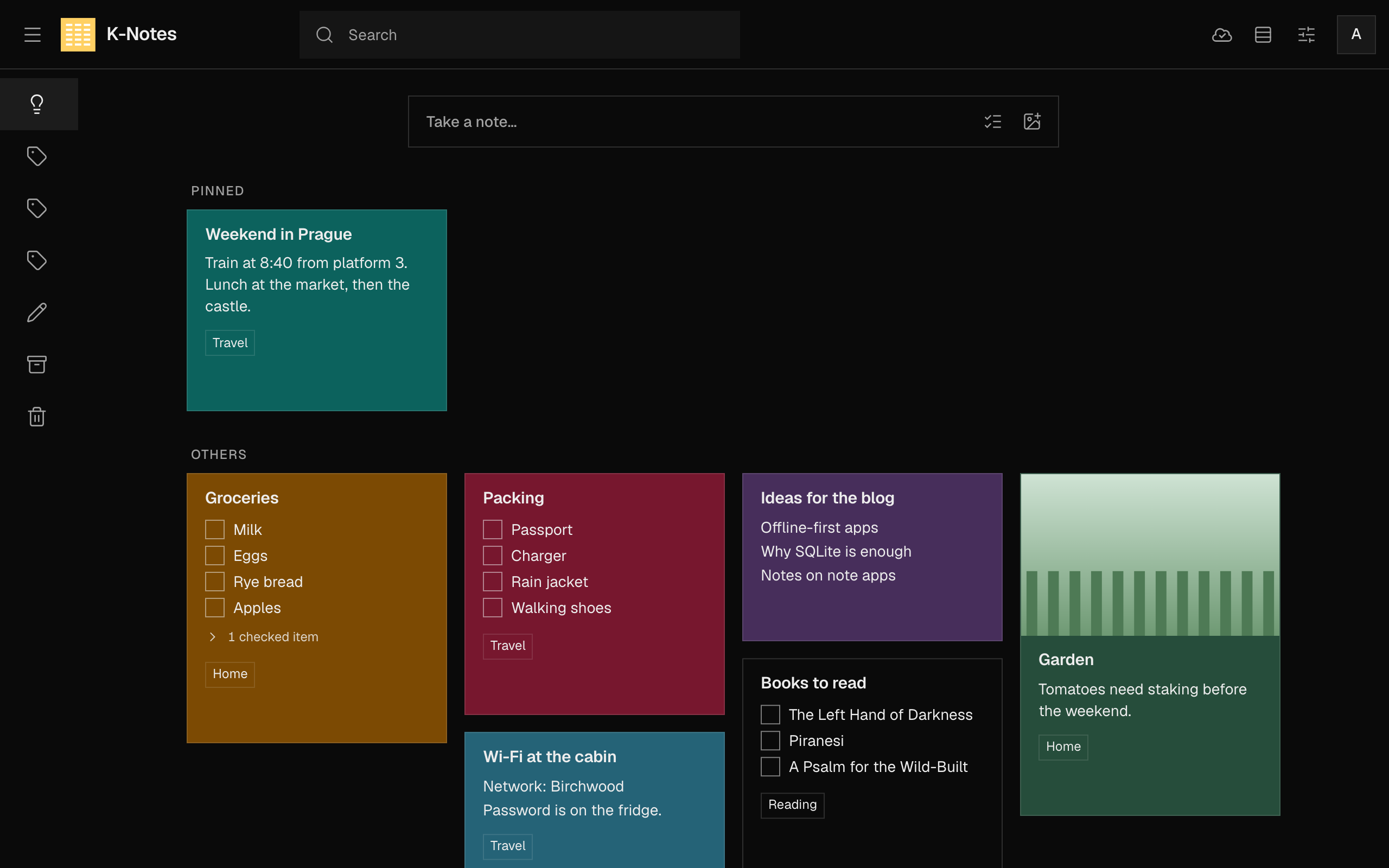
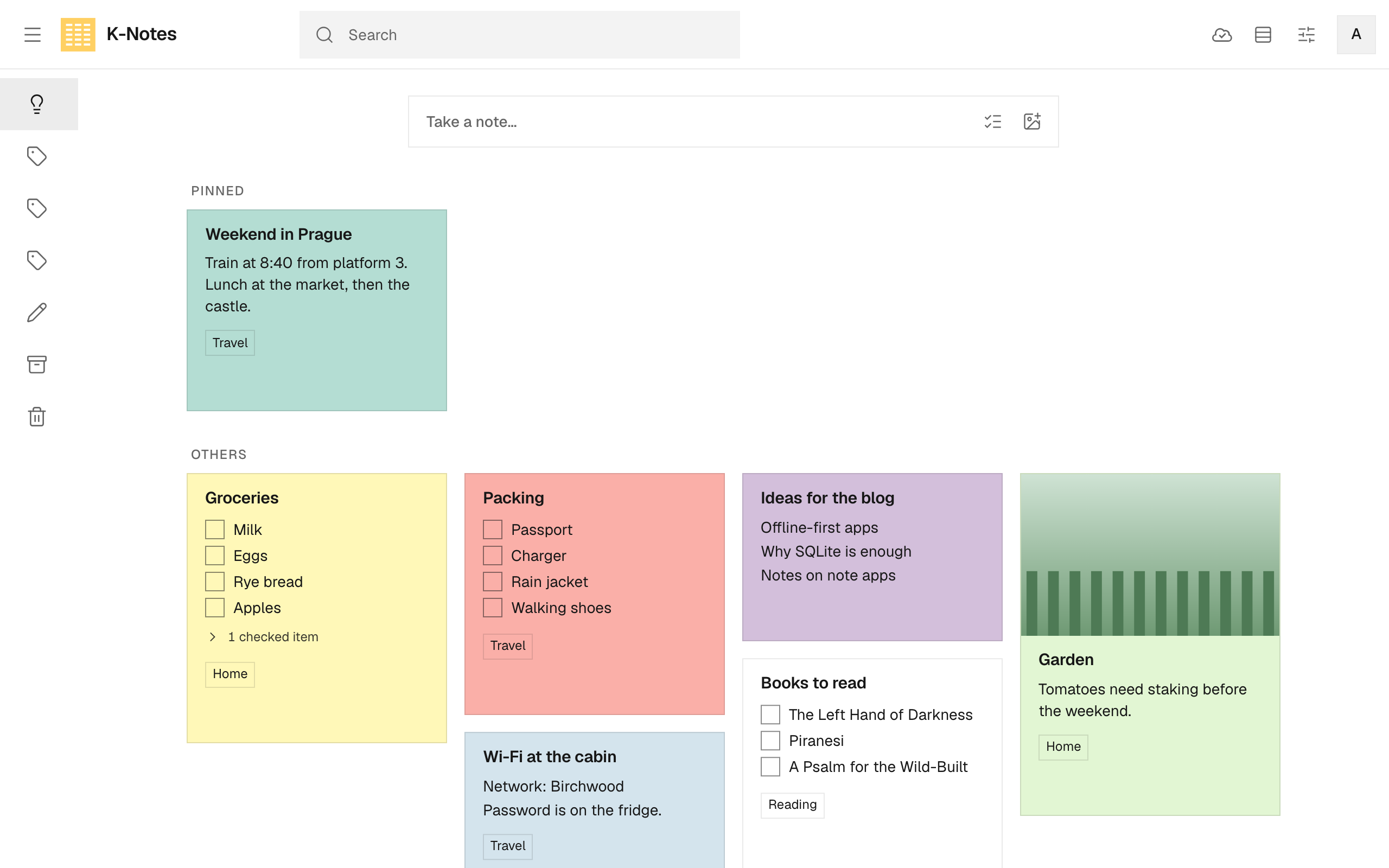
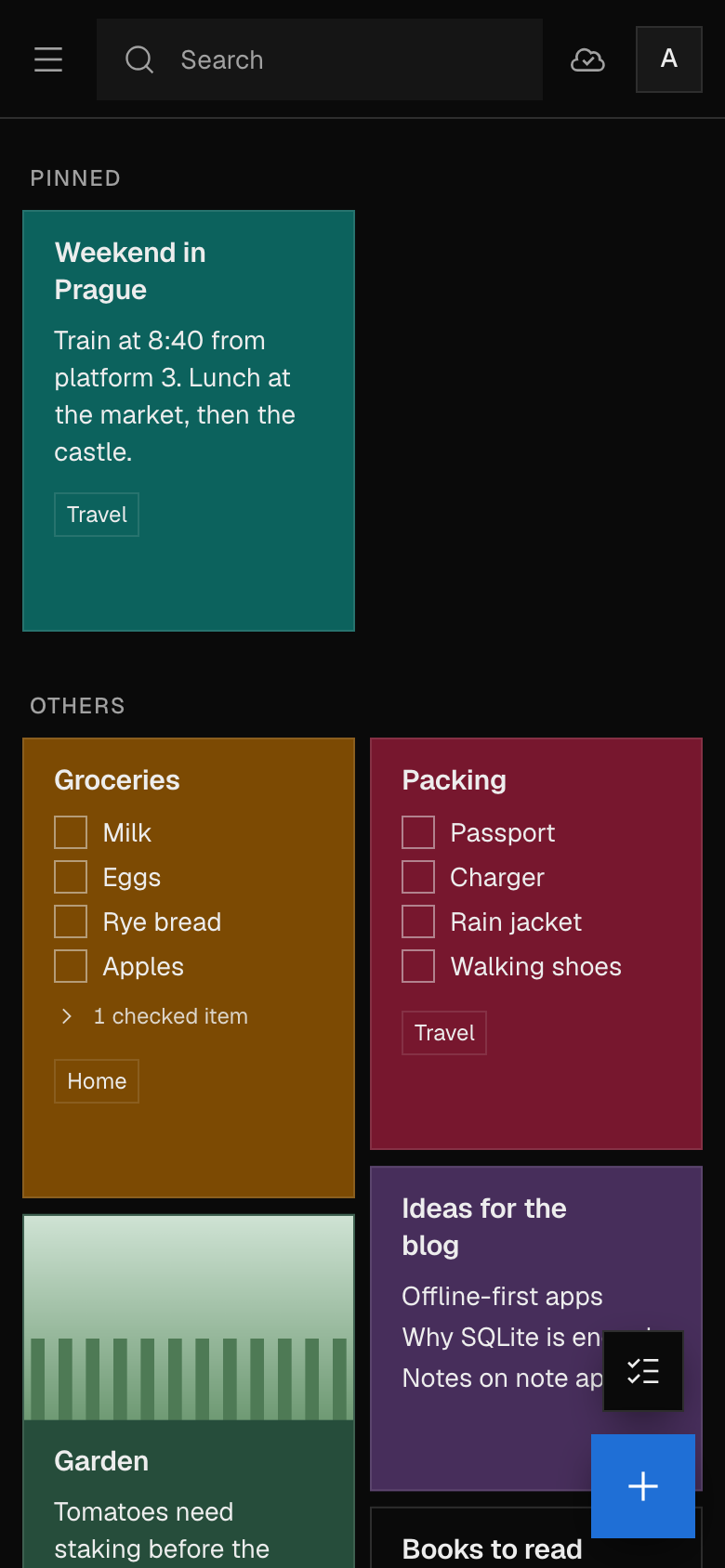
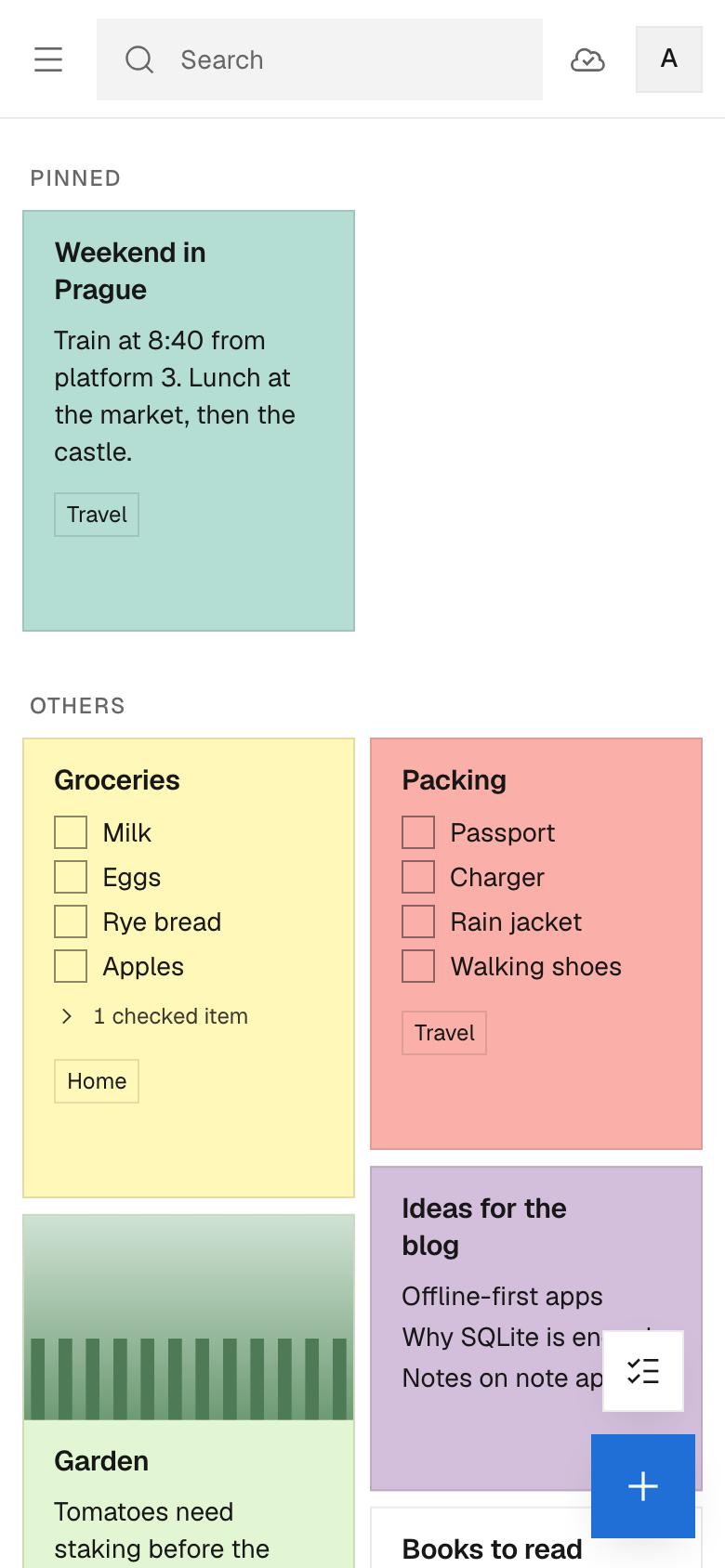
Quick notes, checklists, labels and images, with the layout you know from Google Keep. Install it on your phone, write without a connection and find everything on your laptop moments later.
Version 0.2.6, free and open source
What it does
-
Notes and checklists
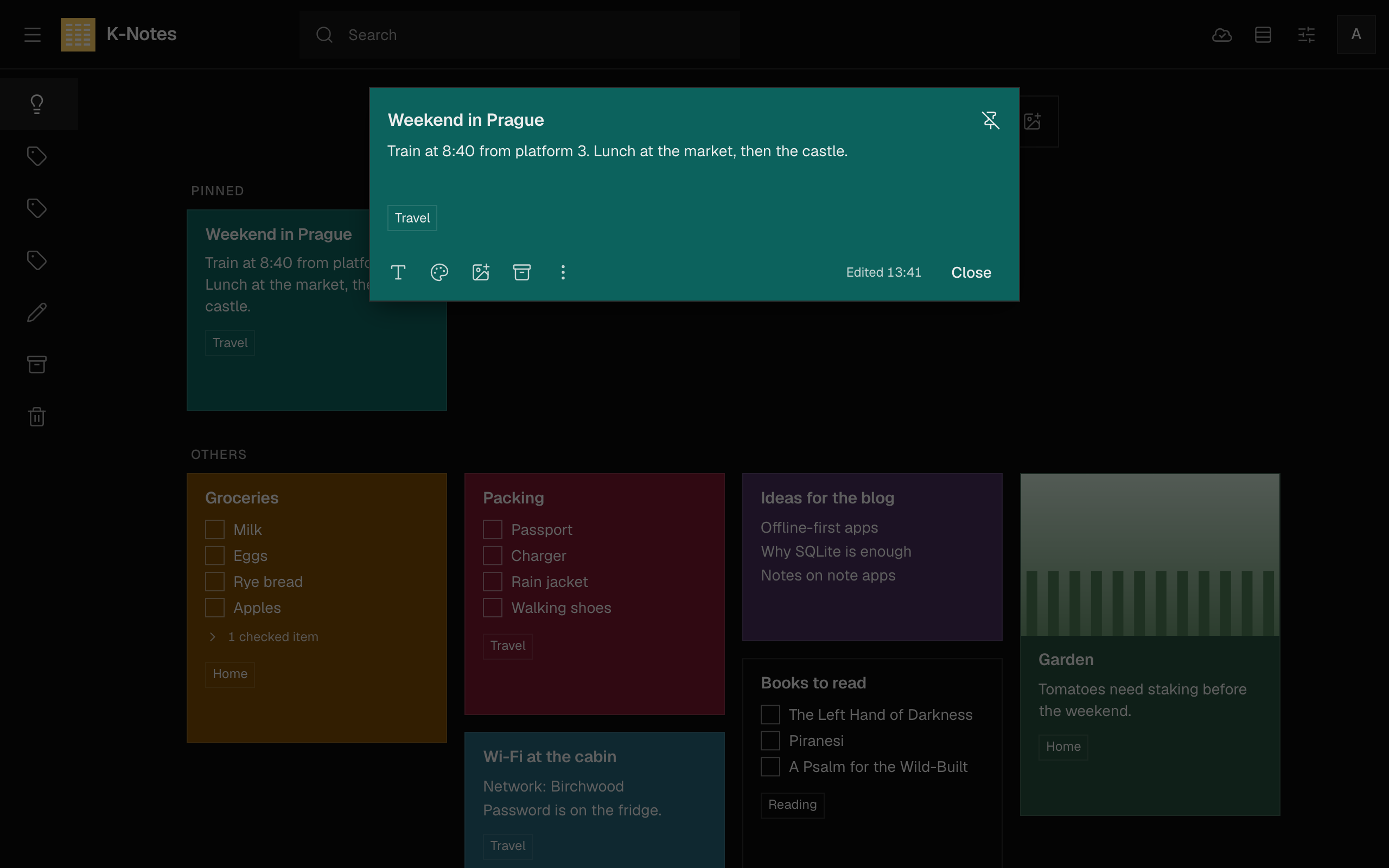
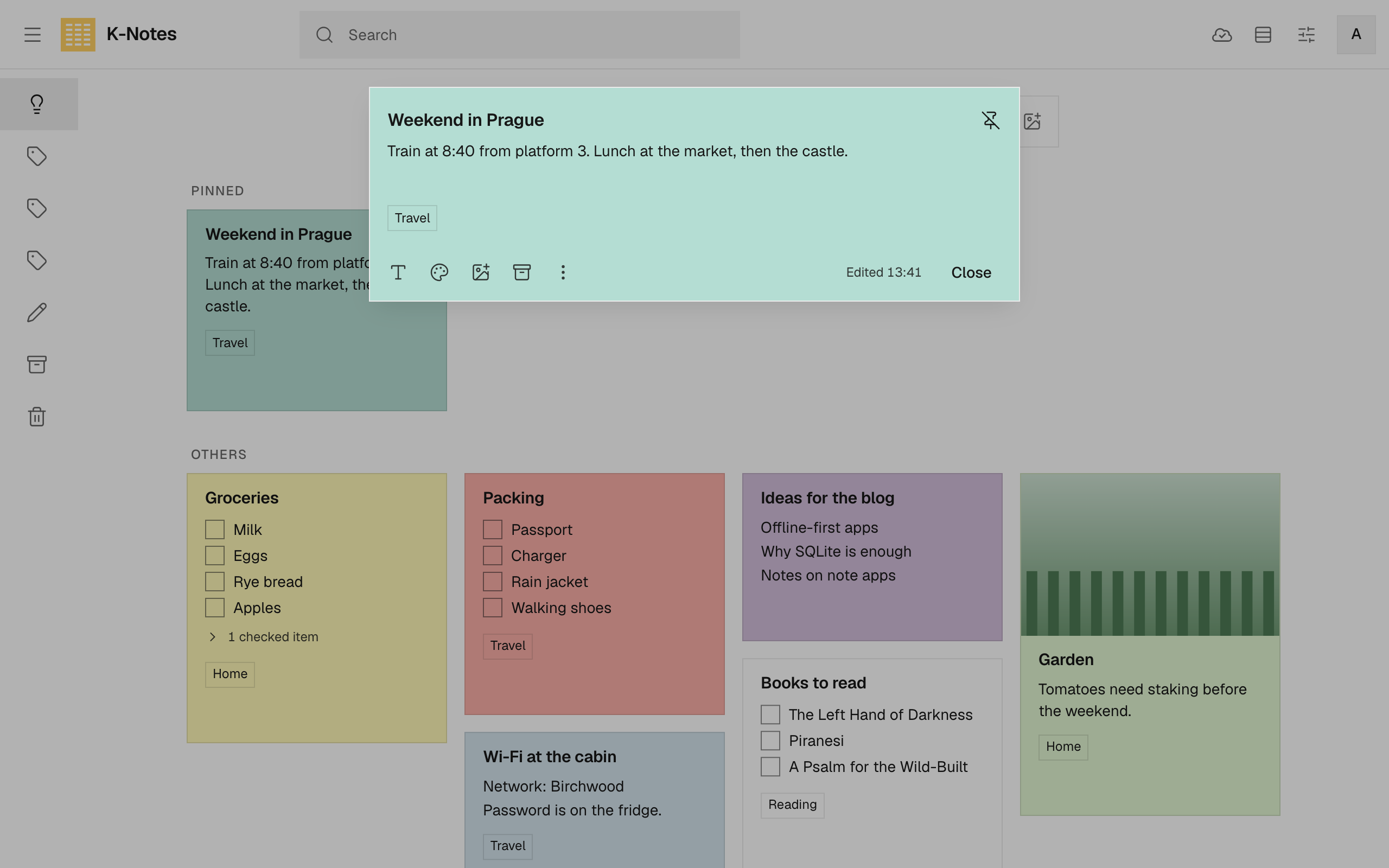
Text with bold, italic and headings, or checklists that move done items aside. Labels, twelve colours, pinning, archive and search.
-
Works offline
Write, check off, reorder and delete without a connection. Everything is saved on the device and sent when the connection is back.
-
In sync within moments
Changes reach your other devices almost at once. Two offline edits of one note never overwrite each other: you get a conflict copy.
-
On your phone
Add it to the home screen and it opens like an app, full screen and without the browser bar. Images are resized on the phone before upload.
-
Your server, your data
One Docker container keeps everything in one directory, so a backup is a copy of that directory. Nothing is sent anywhere else.
-
For the whole household
Several accounts with private notes, invite links, two-step verification, single sign-on through OIDC and personal API tokens.
Self-host it
You need a machine with Docker, a domain name and a reverse proxy with HTTPS, which browsers require for the offline app. The latest version is 0.2.6, released November 27, 2026.
-
Get the Compose file
Create a directory with the example file and a data directory. The container runs as user 1000, so that user owns it.
mkdir k-notes && cd k-notes curl -fsSLO https://raw.githubusercontent.com/K-cermak/K-Notes/main/docker-compose.yml mkdir data && sudo chown 1000:1000 data -
Set your address
In docker-compose.yml, set APP_BASE_URL to the address people will use. It must match exactly.
environment: APP_BASE_URL: https://notes.example.com -
Start it
Point your reverse proxy at port 8000, open the address and create the first account. It becomes the administrator.
docker compose up -d
Updating is one command; database changes run by themselves when the new version starts.
docker compose pull && docker compose up -dReverse proxy, single sign-on and all settings are described in the guide on GitHub.
Questions
Is K-Notes free?
Yes. It is free and open source under the MIT license, with no account on any service, no subscription and no limits other than the ones you set.
Is there a hosted version I can sign up for?
No. K-Notes is made to run on your own server, so your notes stay with you. One small machine or a home server is enough.
How does it work offline?
The app and your notes are stored in the browser. You can create, edit, reorder and delete notes without a connection; the changes are sent when the connection comes back, and a counter shows how many are waiting.
How do I get it on my phone?
Open your address in the phone's browser and choose Add to Home Screen (Safari: Share › Add to Home Screen; Chrome: the install prompt or the menu). On an iPhone this also protects your data: Safari may delete the data of a website not opened for seven days, but not of an app on the home screen.
How do I back it up?
Copy the data directory. It holds the SQLite database, the images and the generated secret key, and nothing else is needed to restore the server.
What is left out?
On purpose: sharing notes between users, reminders, drawings, e-mail of any kind, and import and export. Invite links are passed on by hand.
Can I rely on it for important notes?
Most of K-Notes' code was written with an AI assistant and only partly reviewed by a human. It is fine for everyday notes, but it is not recommended for critical systems or anywhere lost or wrong data could cause harm. Keep backups.